Campaign Settings: Outreach Type + Notes about an Email Only Campaign Type and Scheduled Pause
Last updated: February 20, 2026
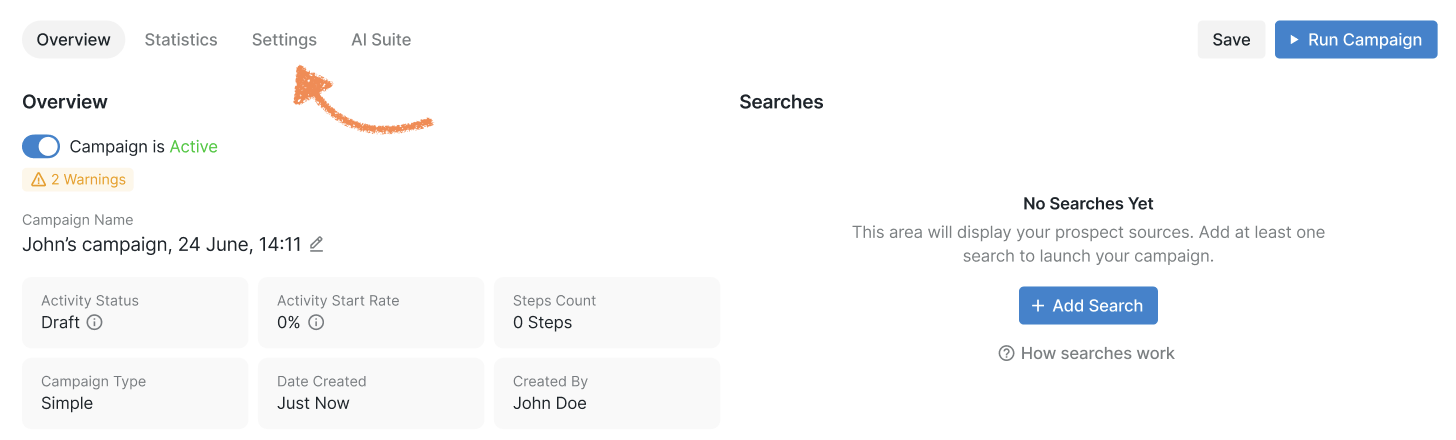
After you have added a search and set up your steps, it's time to fine-tune your campaign to make sure it works exactly like you want it to. To do that, go to the Settings section inside your campaign:
In this section, you'll be able to define your campaign type and adjust a range of additional settings:
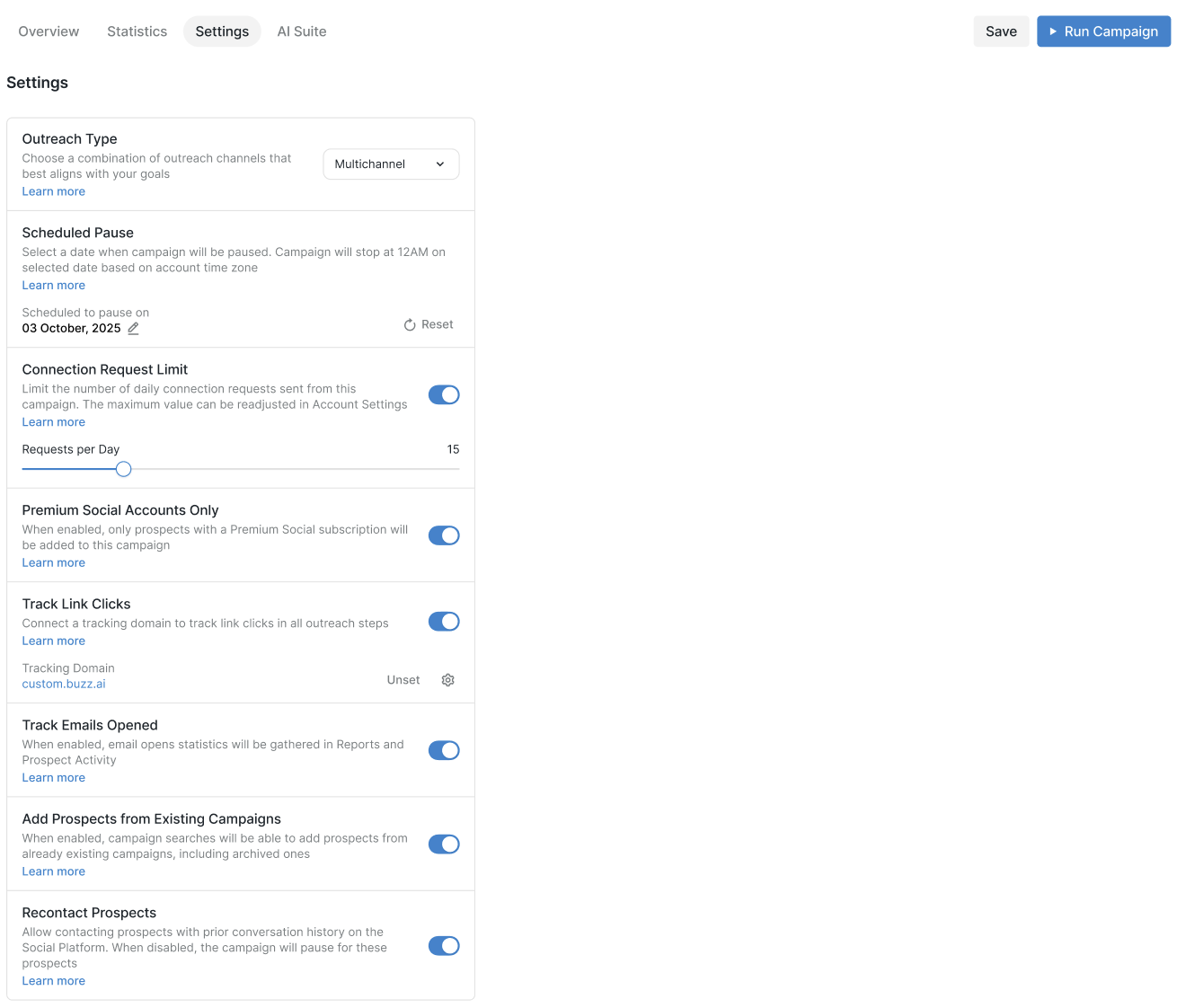
Outreach Type
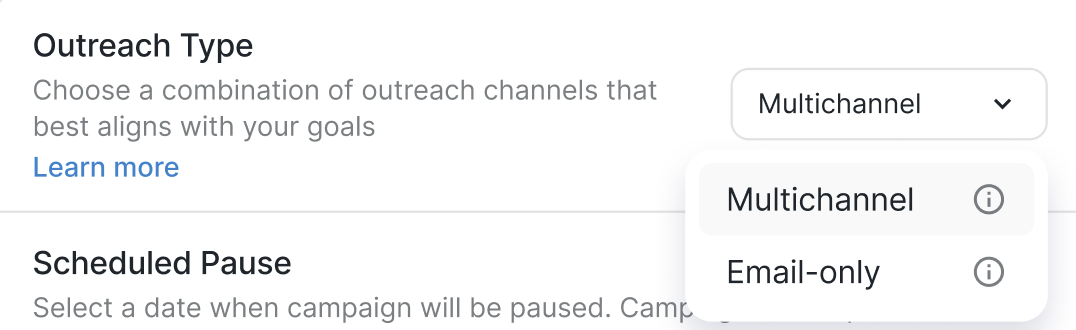
These are the two main types of campaign outreach, each encompassing its own set of steps.
Multichannel allows you to send connection requests, messages, InMails, etc.
Email-only outreach to email correspondence exclusively.
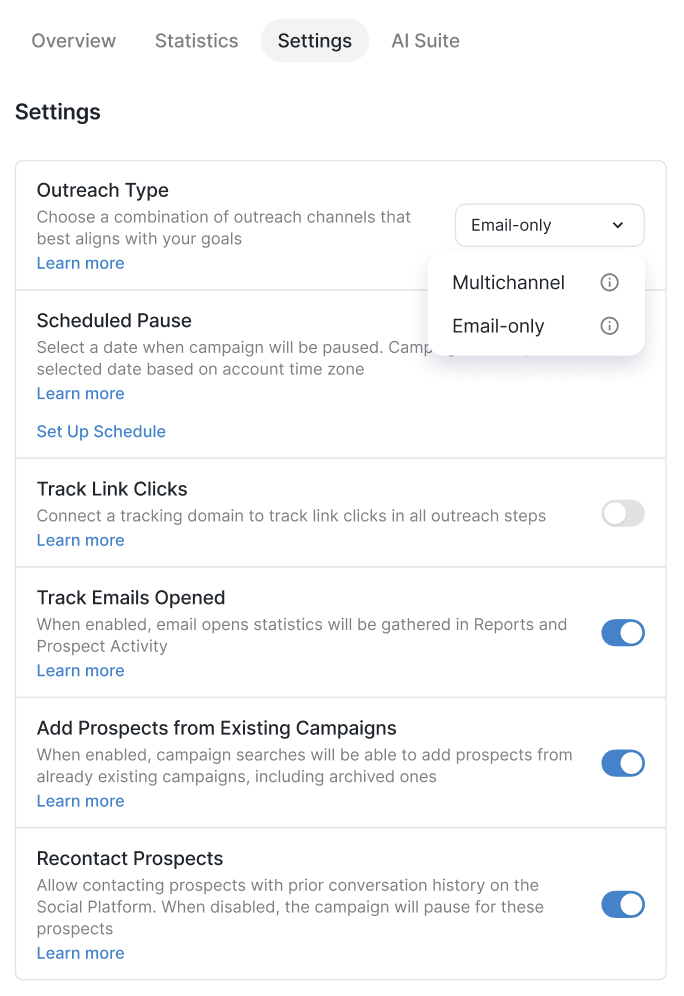
Notes about an Email-only Campaign Type
If you choose to build an email-only campaign, please note that the Premium Social Accounts Only and Connection Request Limit settings become inaccessible as email outreach does not entail interaction with the Social Platform's interface.
Scheduled Pause
With this setting, you can plan a scheduled pause for your campaign on the date of your choice.
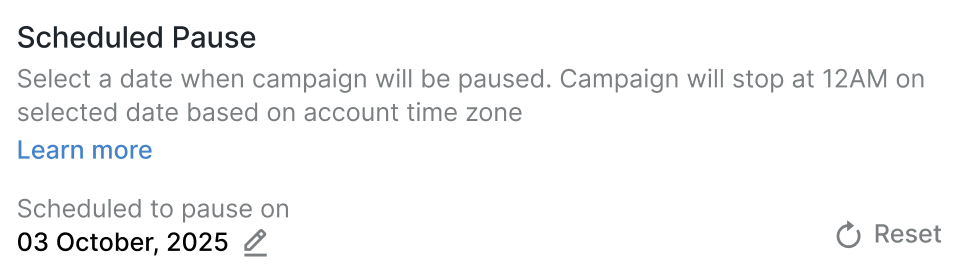
📖 To learn more about this setting, please check out this article: How to Schedule a Pause for Your Campaign.