How to Connect Buzz to Polar Browser
Last updated: November 10, 2026
Buzz is available as a connector in Polar Browser, letting you run your AskBuzz tasks in the background while you focus on other work. Connect your Buzz account once, and you're ready to go!
Here's how to set it up.
1. Download Polar Browser
First, download and install Polar Browser if you haven't already.
2. Find the Buzz connector
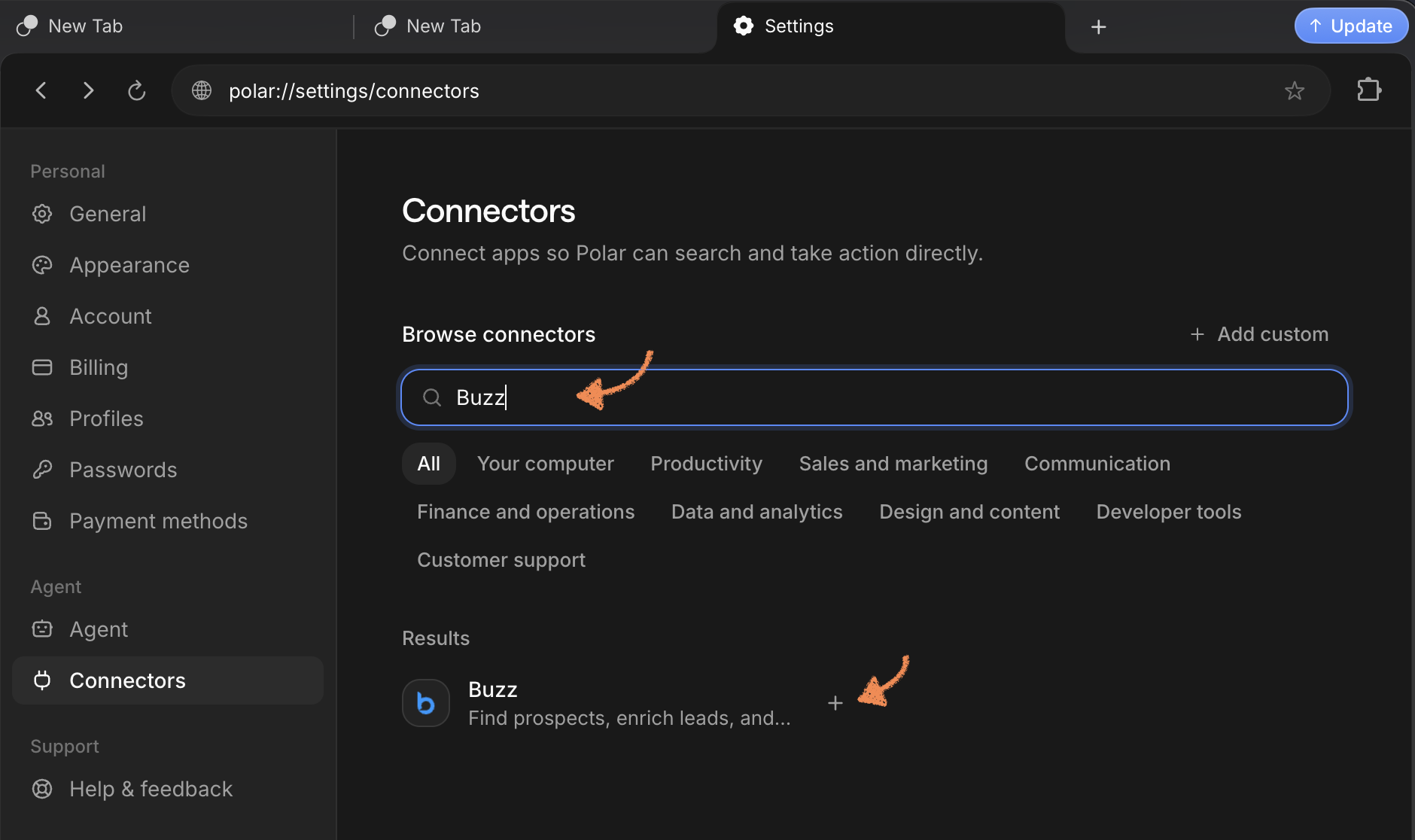
Open Polar and go to the Connectors tab. Search for Buzz in the search bar, then click the + Add button next to it.
3. Connect your Buzz account
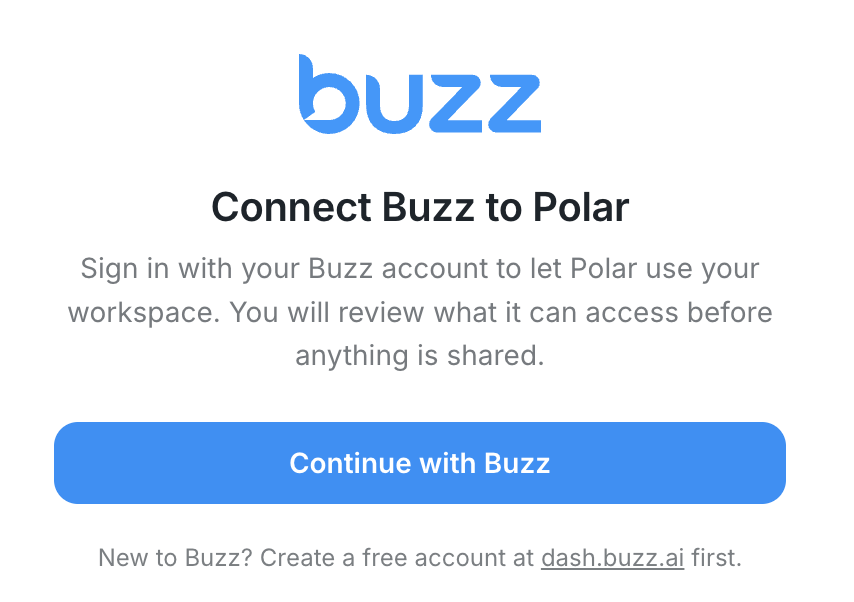
In the window that opens, click Continue with Buzz.
4. Authorize access
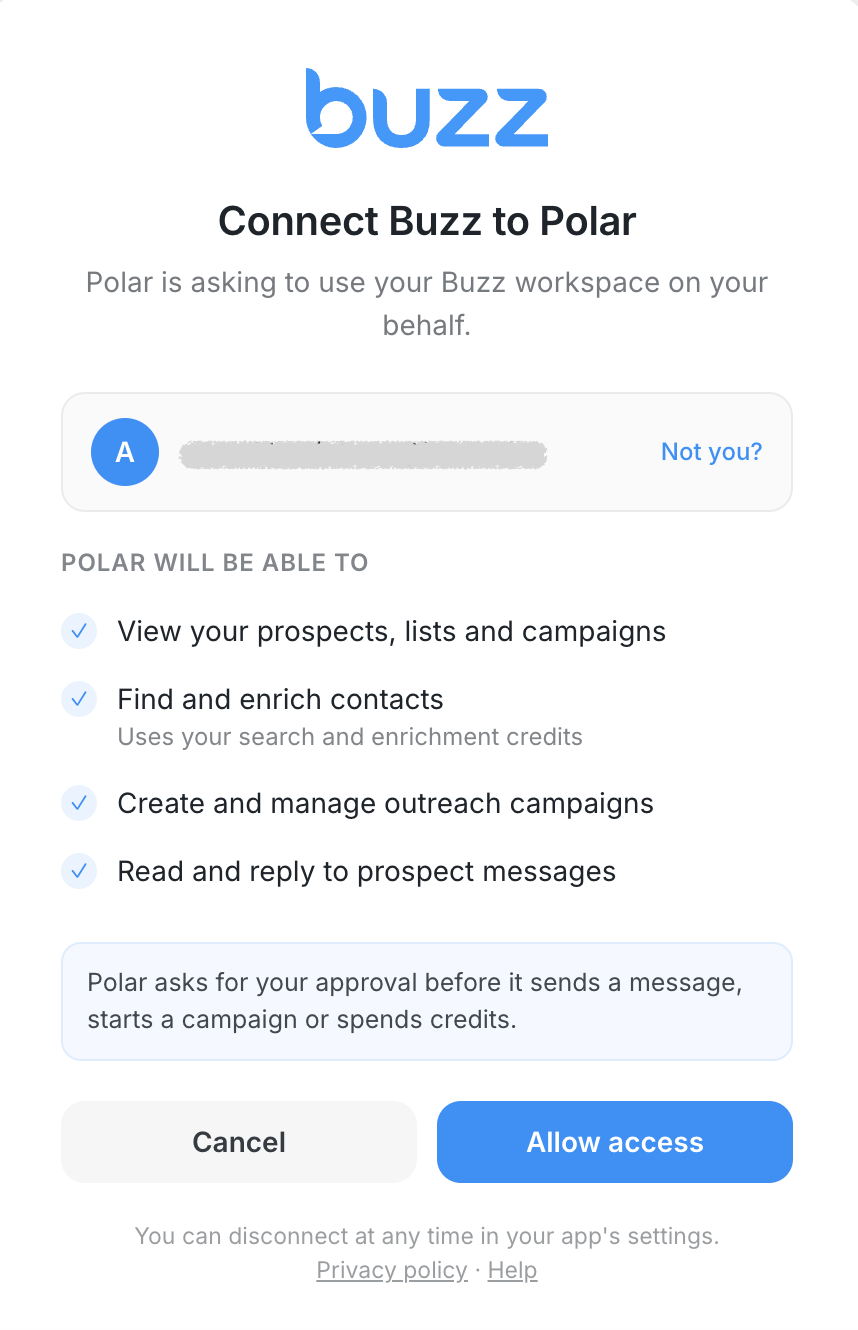
If you're not already logged in to Buzz through Polar, sign in to your Buzz account.
Review the requested permissions and click Allow access to authorize the connection.
5. Check your connection
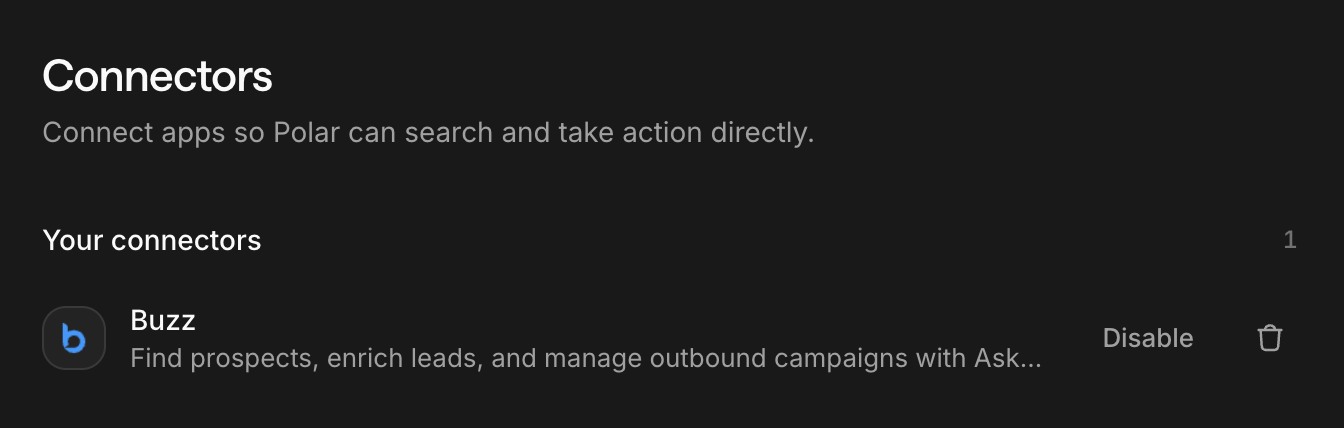
Once authorized, Buzz will appear in your connected connectors. You're all set!
6. Start running AskBuzz tasks
Create a new task in Polar and prompt it to do anything you'd normally ask AskBuzz to do. Polar will use the Buzz connector to run your task in the background while you work on other things.
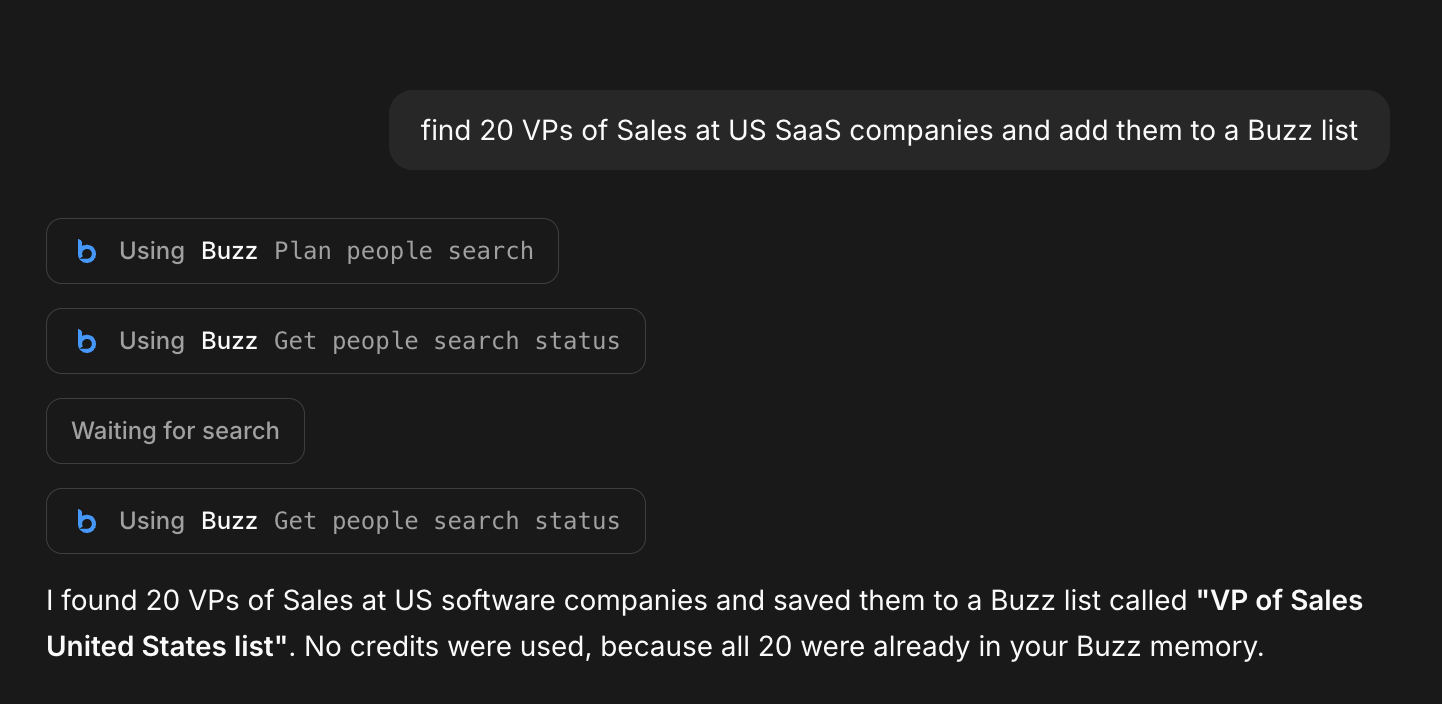
That's it! You can now put AskBuzz to work without leaving Polar.