Where to See Confirmed and Upcoming Meetings in Buzz
Last updated: September 11, 2026
After you’ve shared your scheduling link, the next question is usually: “Great — where do I see what got booked?” Buzz makes this easy by showing meeting information where you need it, so you can quickly confirm what’s scheduled and stay organized across conversations. This article shows you exactly where to look for confirmed meetings as well as upcoming ones.
Where confirmed meetings appear
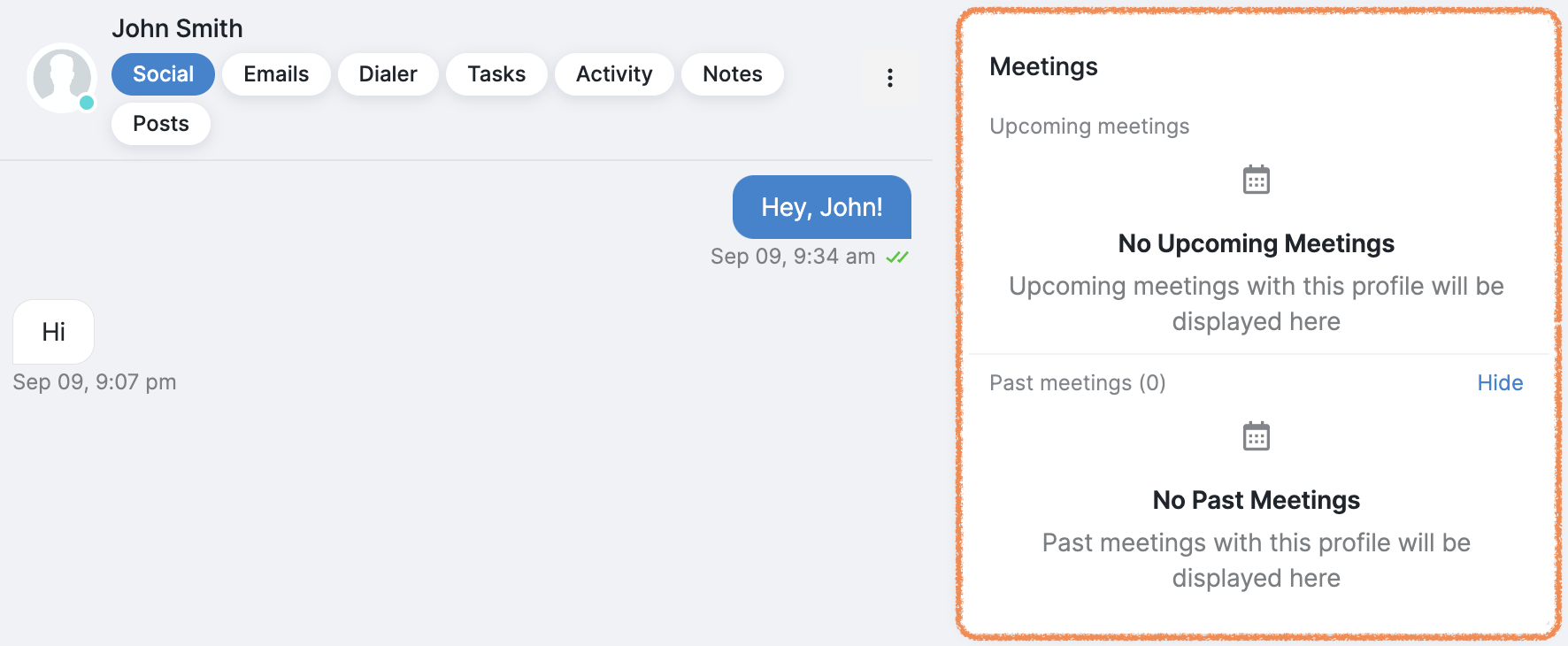
After a prospect books using your Calendly link, the confirmed meeting shows on the right-hand side, along with your past meetings:
Where to see all upcoming meetings
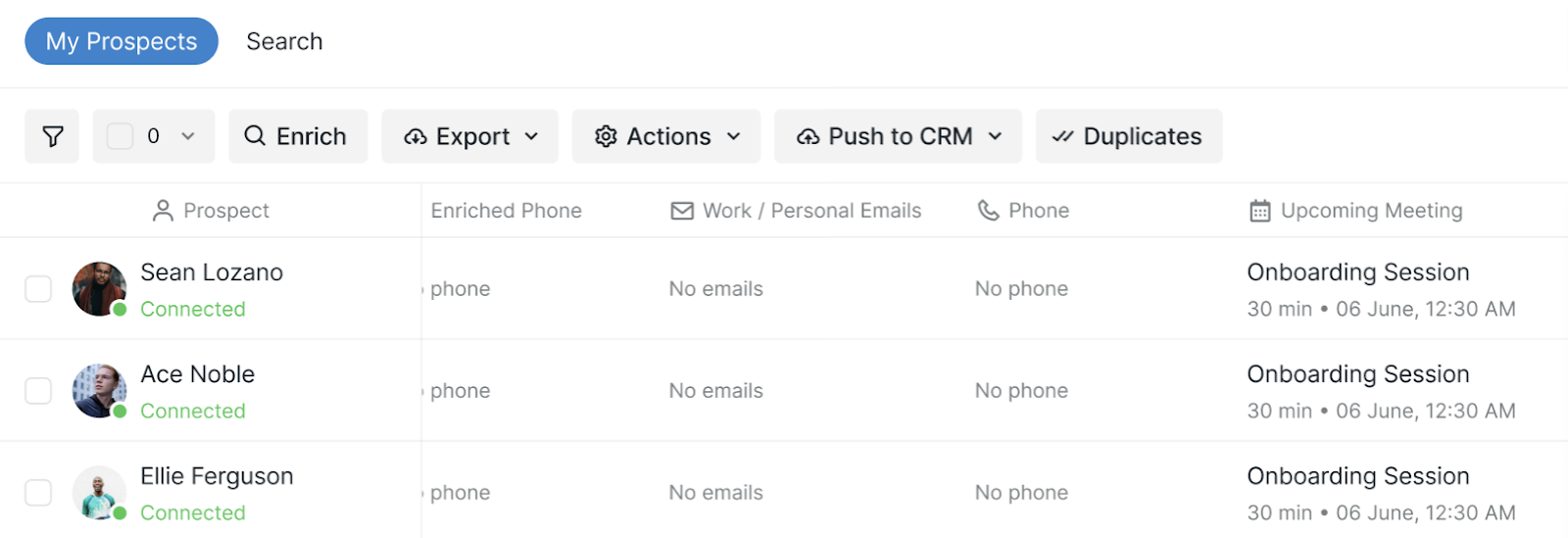
You can also view upcoming meetings with prospects in the Prospects tab.
Good to know: When a prospect books a Calendly meeting, that specific prospect is automatically paused to stop subsequent campaign messages.
If you have any difficulties with integrating your Calendly account, please reach out to our Customer Support team.