Managing Sending Ranges for Mailboxes Connected to Multiple Accounts
Last updated: January 30, 2026
What Happens When a Mailbox Is Connected to Multiple Accounts?
If a single mailbox is connected to multiple Accounts, the daily sending ranges configured for each account will be summed together — but the total number of emails sent will never exceed your email provider’s limit.
Example
If you have:
One Free Gmail mailbox
Connected to 2 Accounts
Each account has a daily sending range of 299–300
The total sending volume will not be 598–600 emails. Instead, it will be capped at Gmail’s limit of 500 emails per day.
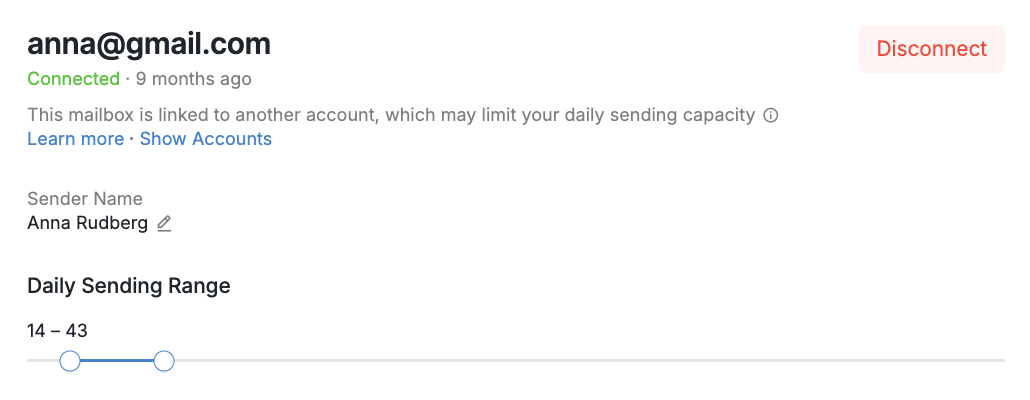
When a mailbox is linked to multiple Accounts, you’ll see a notification directly in your mailbox settings to alert you:
💡 Tip:
To get the most out of this mailbox’s sending range, review all connected Accounts and disconnect the mailbox from any Accounts where it’s not needed.
Viewing Connected Accounts
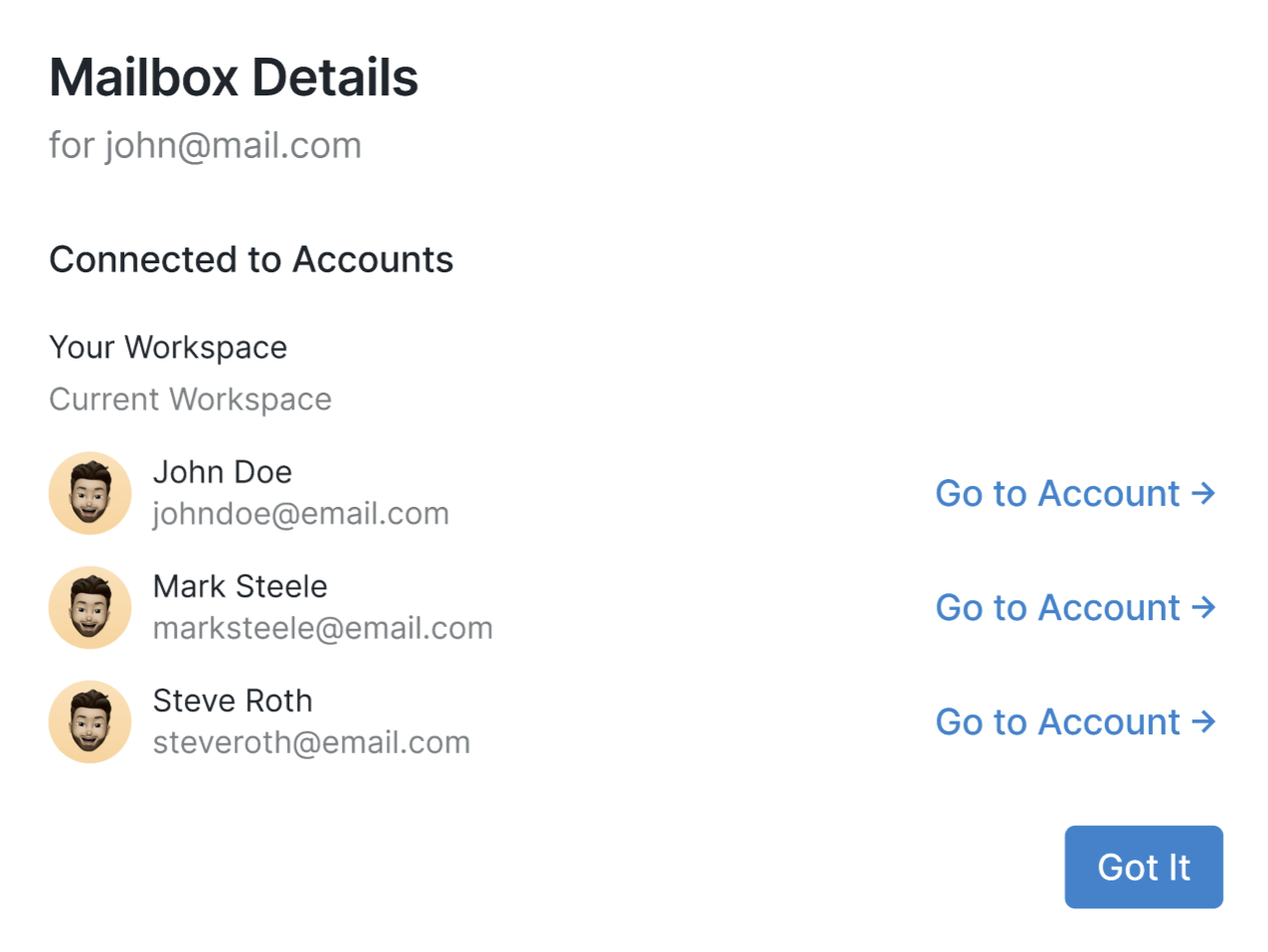
Click Show Accounts under the notification to quickly see which Accounts are connected to that mailbox. This makes it easy to identify where action is needed:
Still Seeing the Notification?
If the notification continues to appear after disconnecting the mailbox from all other Accounts, please reach out to our Customer Support team, and they’ll be happy to help.