InMails in Buzz — Basics & Campaign Setup
Last updated: January 30, 2026
What Are InMails?
InMails are a powerful way to reach potential clients, partners, or candidates — even if you’re not connected with them yet. An InMail allows you to send a message directly to another Social profile you’re not connected to.
When running campaigns in Buzz, you can send InMails to:
Open profiles (even if you have a Basic subscription on the Social Platform), or
Closed profiles, using Sales Navigator credits
Using InMails in Buzz Campaigns
When creating a campaign, you’ll find the Send InMail step in the sequence.
To allow Buzz to use the InMail credits available in your Sales Navigator account, you must toggle on Allow to use my InMail credits:
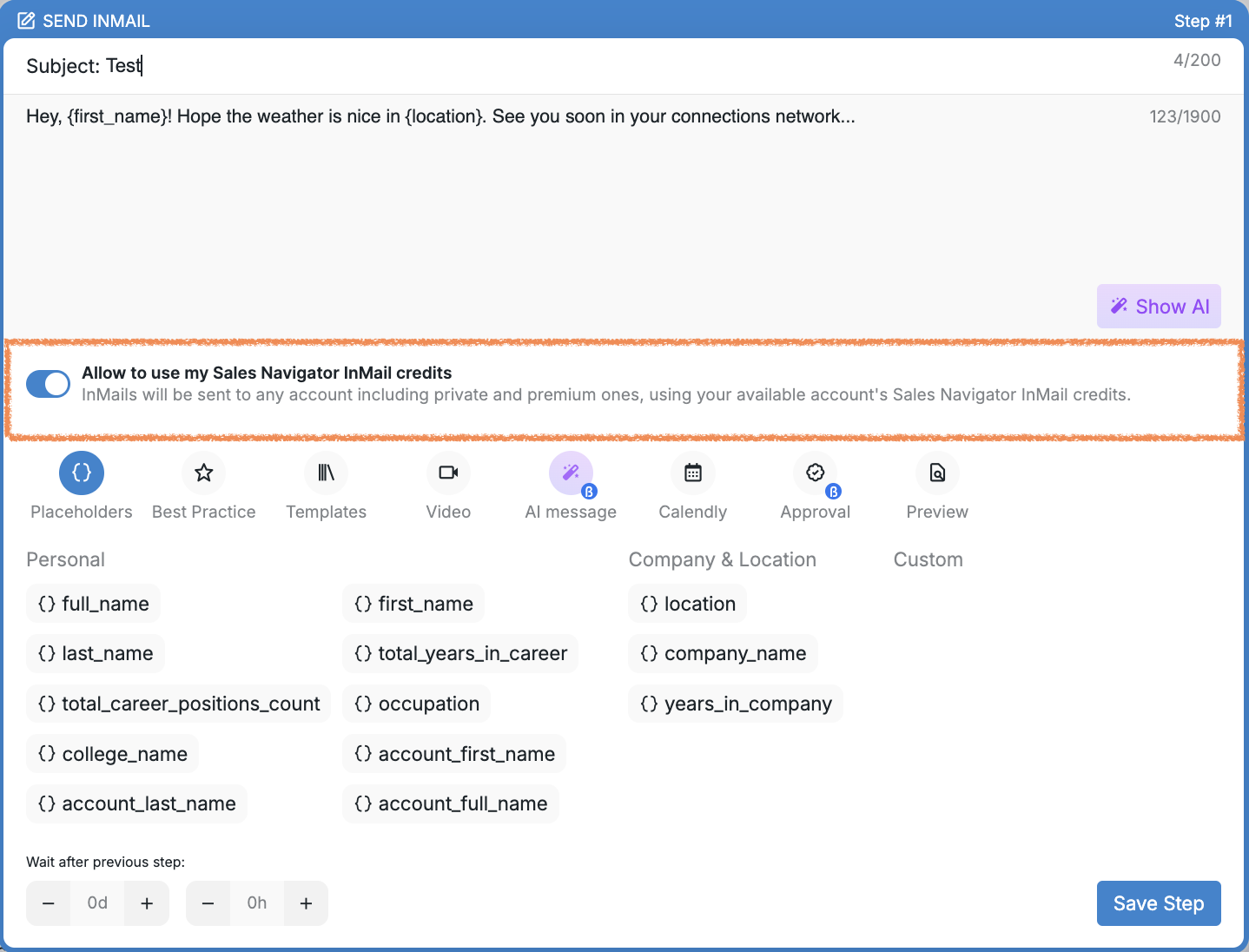
⚠ If this setting is turned off, InMails that require credits will not be sent, even if you have available credits in your Sales Navigator account. This happens because the system doesn’t have permission to use them.
One Important Rule to Know
Buzz allows sending only one InMail per prospect within a single campaign.
If an InMail has already been sent to a prospect, and there’s another Send InMail step later in the sequence, that step will be automatically skipped.