Connecting Buzz and HubSpot
Last updated: February 6, 2026
Buzz offers a seamless two-way integration with HubSpot, making it easy to push prospects, sync activities, push deals, and keep your pipeline up to date. In this guide, we’ll walk you through connecting your HubSpot account, configuring your integration settings, and sharing best practices to help you get the most out of your setup.
How to Connect your HubSpot Account
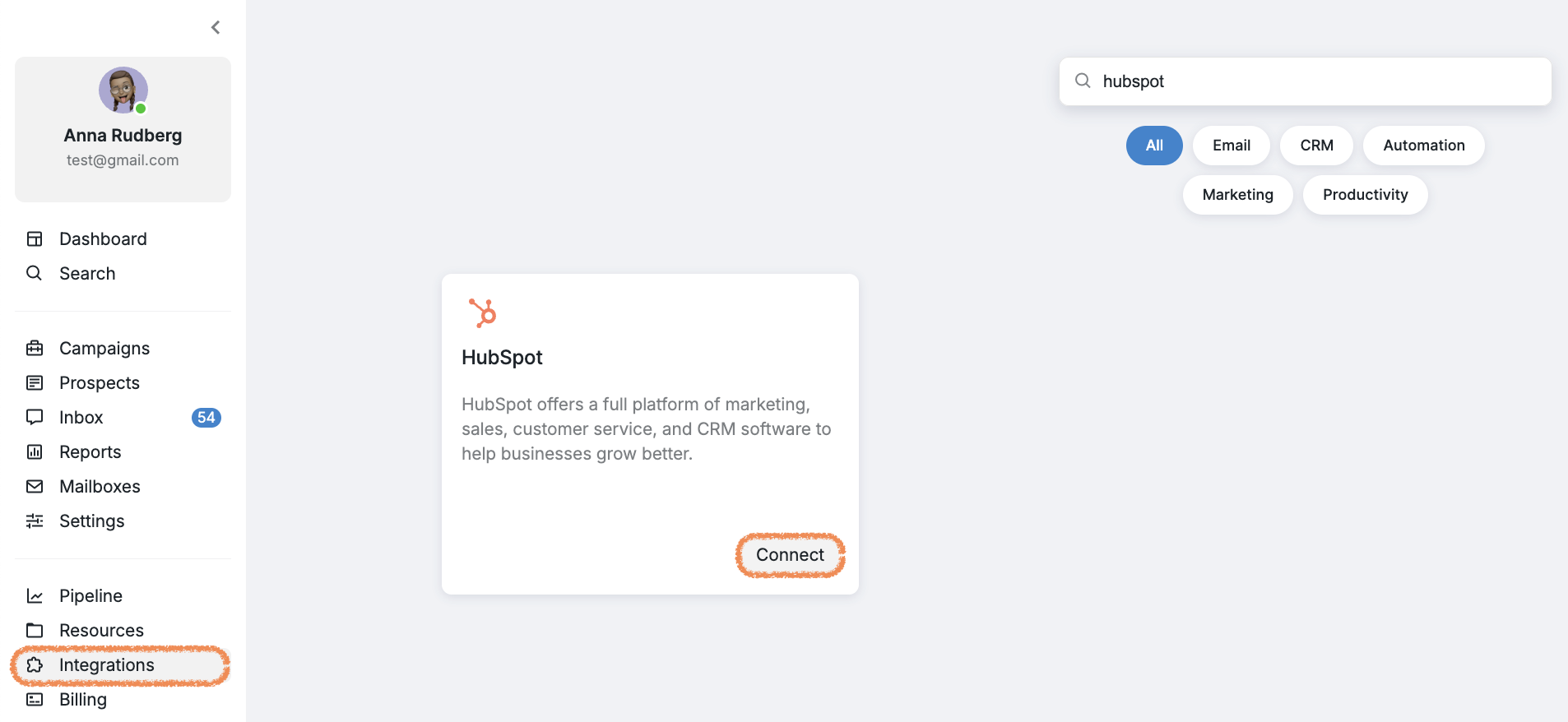
Log in to your Buzz account.
Navigate to the Integrations tab.
Find and choose the HubSpot integration.
Click Connect.
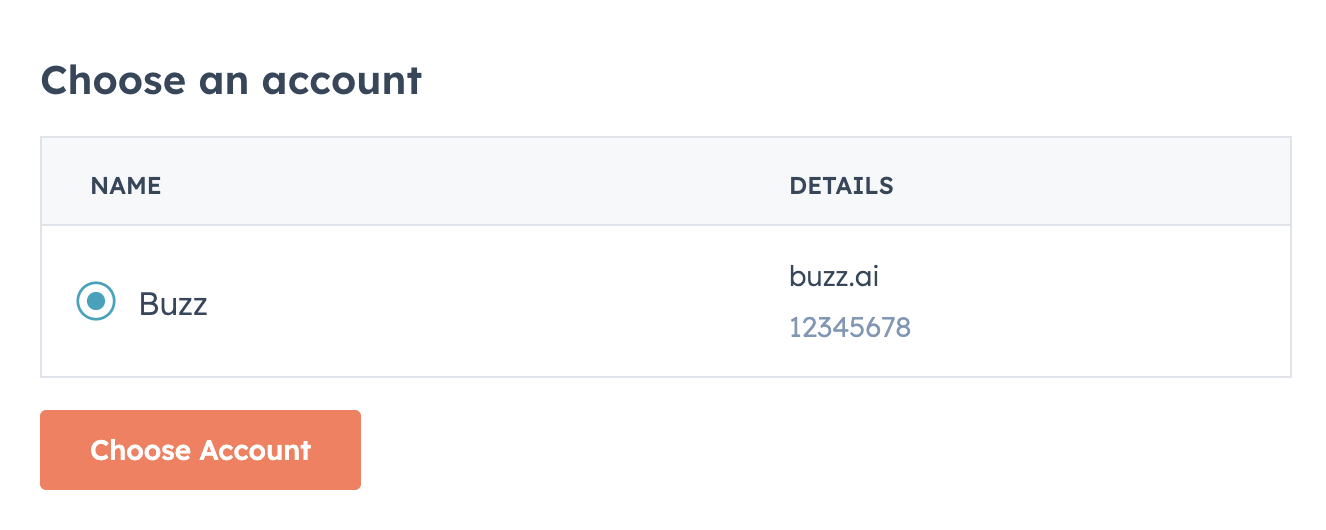
5. You’ll be redirected to the HubSpot login page. Select the HubSpot account you want to connect and click Choose Account.
6. Review the permissions and click Connect App.
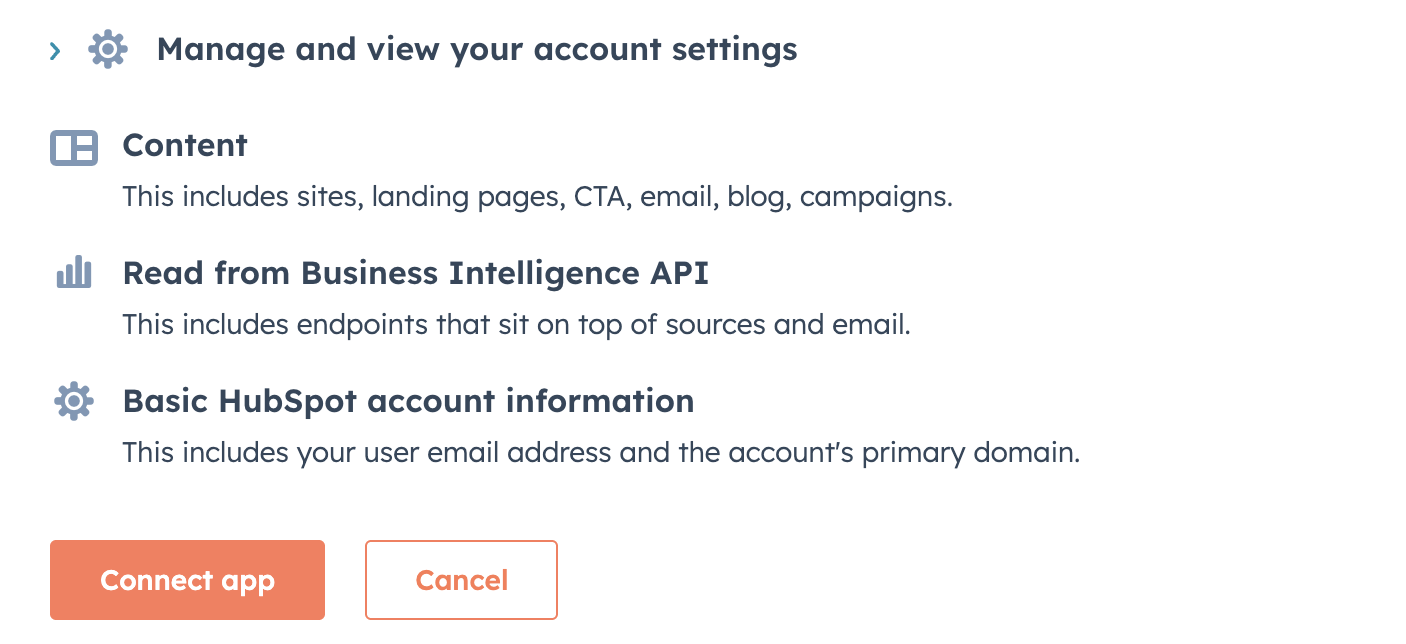
Once complete, you will be redirected back to Buzz, and your HubSpot account will be connected.