Prospect Excluded vs Removed
Last updated: September 23, 2026
When a prospect is marked as Excluded, it means they have been added to the Blacklist. They may still be part of an ongoing campaign, or they may exist outside of any campaign. In either case, there will be no further interaction with them.
On the other hand, Removed indicates that the prospect is no longer involved in any campaign. In this case, you will see “No Campaign” listed under their campaign name.
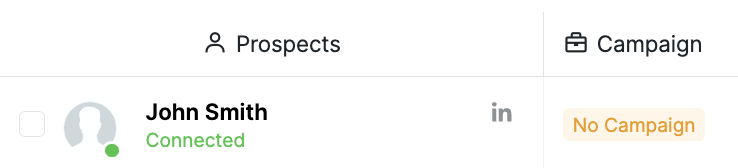
If you want to see a list of removed prospects, use the Show Prospects Outside of Campaigns filter in the Prospects tab > Campaign, if it is available for your workspace.
To locate prospects that are both Excluded and outside of campaigns, apply the following two filters simultaneously in the Prospects tab:
Enable Show Prospects Outside of Campaigns.
Filter by Excluded status.
Inbox Visibility Issue
Prospects with Excluded status will not appear in the Inbox when you use the Show Dialogs Outside of Campaigns filter. To make them visible in the Inbox again, remove them from the Excluded status.
Select the prospect.
Choose Action → Remove from blacklist.
If not, please do not hesitate to get in touch with our Customer Support team for assistance.