Email Warming & Using AI Mailboxes in Campaigns and Inbox
Last updated: September 23, 2026
What Is Email Warming?
Email warming is the process of gradually increasing sending volume from a new mailbox to establish trust with email service providers. This is done by sending a controlled number of emails that receive positive engagement, such as opens, clicks, and replies.
Important: AI mailboxes use SMTP protocol to send emails. When sending via SMTP, emails are sent directly without interacting with the mail client interface, which means sent emails will not appear in your mailbox's "Sent" folder. This is expected behavior. To verify that emails were delivered, check the delivery status in the platform's Emails tab or activity view, not your mail client's Sent folder.
Email warming is automatically enabled for every mailbox created through the AI Email Service.
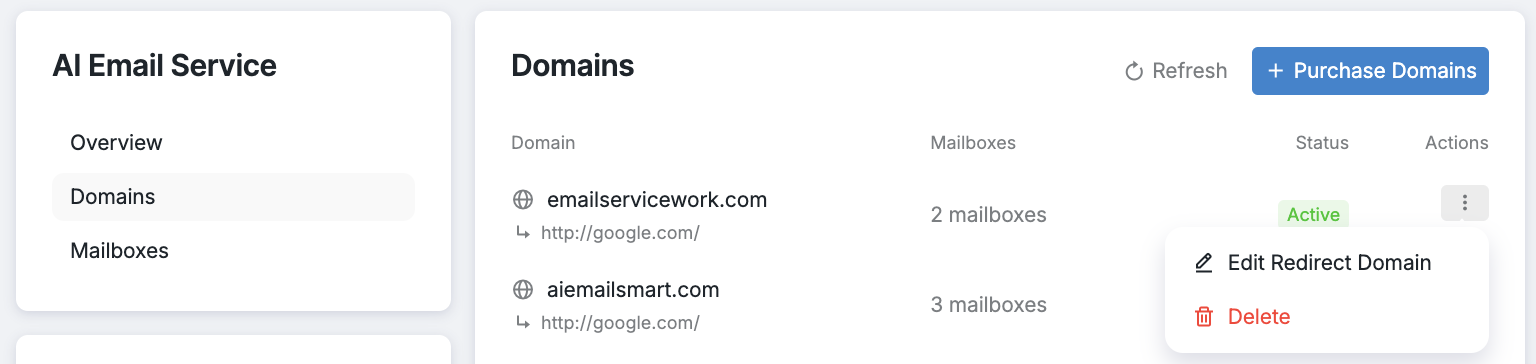
To view warming statistics or adjust settings, go to your mailboxes, click the three-dot menu next to a mailbox, and select Manage.
The warming statistics shown here, such as Warming Emails Sent and Warming Emails Replied, track automated warm-up emails only. These numbers are separate from your actual campaign emails sent to prospects. Warming emails are sent between mailboxes in the warming network to build sender reputation and do not go to your prospects.
New mailboxes go through a 12-day warming period.
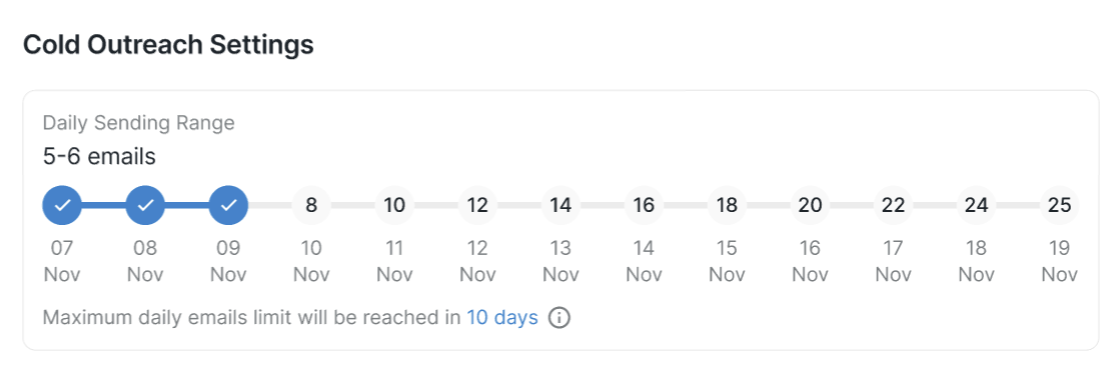
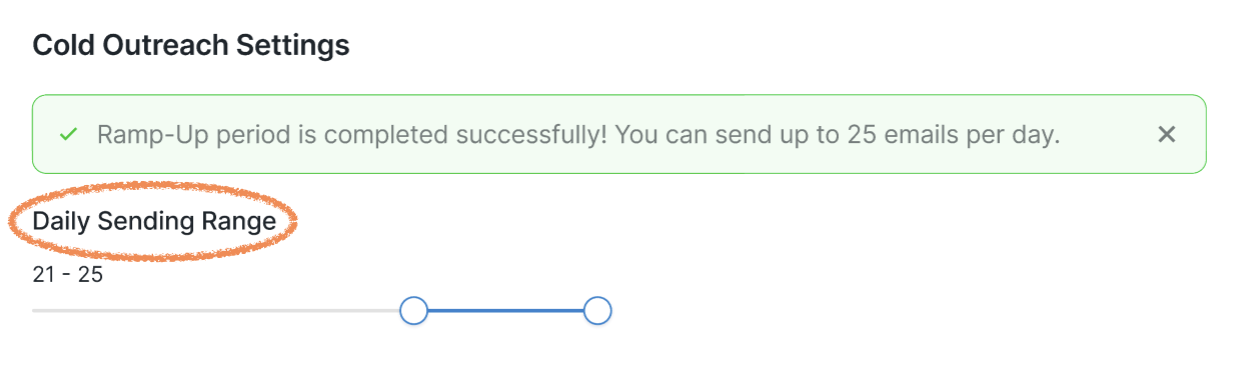
After this ramp-up phase, they begin sending up to 25 emails per day. Once warming is complete, you can customize the daily sending range, and all emails from that mailbox will be sent within your selected limits.
Using AI Mailboxes in Campaigns
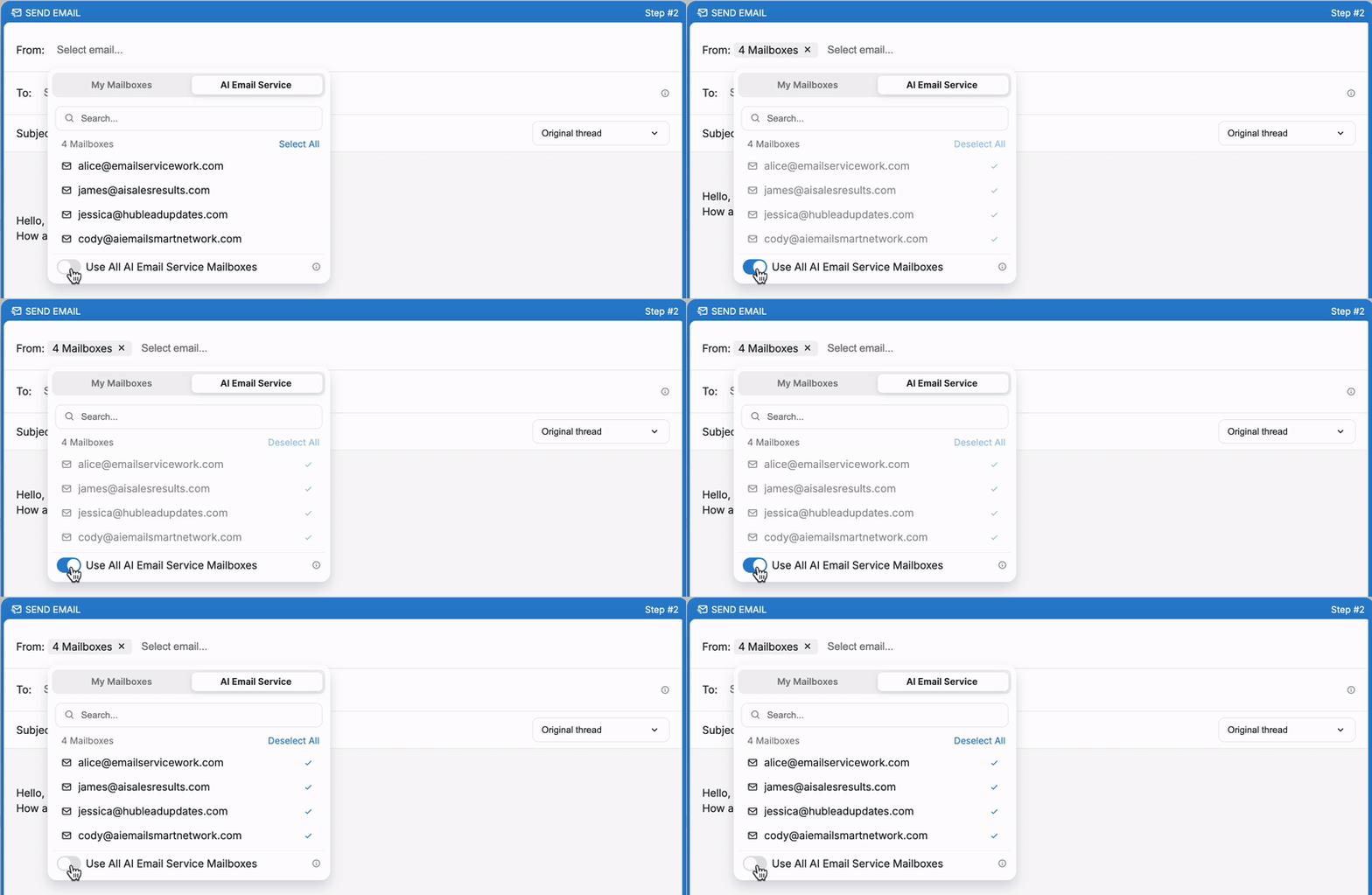
AI mailboxes can be used directly in outreach campaigns. During the Send Email step, select one or more AI mailboxes as senders and continue setting up the campaign.
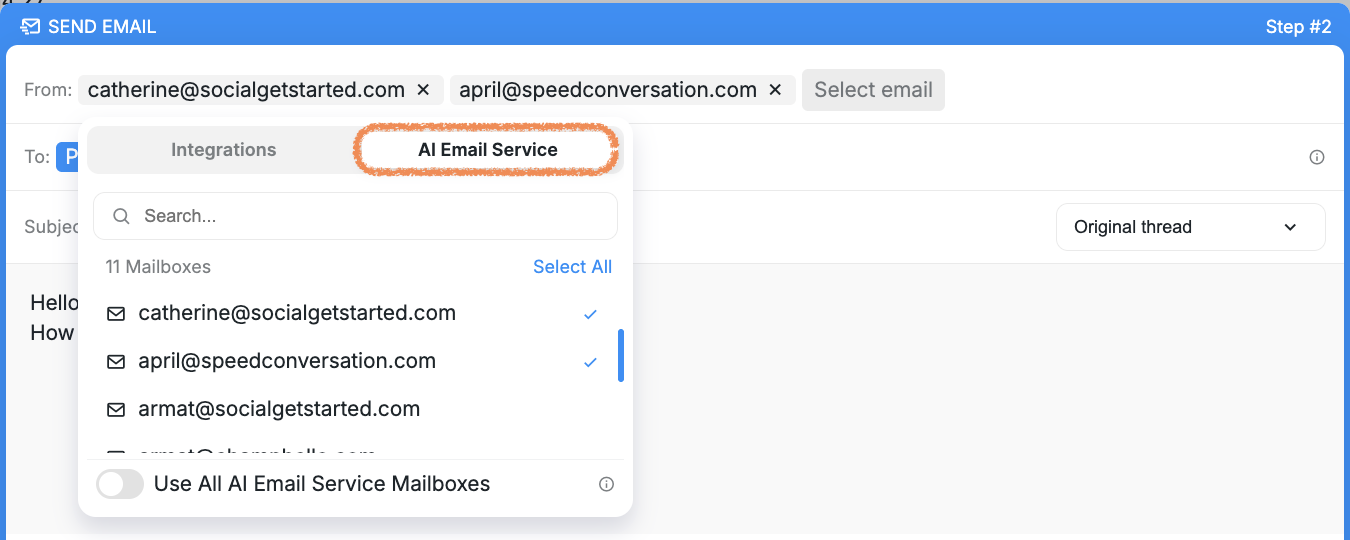
Enabling the Use All AI Email Service Mailboxes toggle sends emails from all AI mailboxes on your account. When this option is enabled, individual mailbox selection is disabled, and any newly added or removed AI mailboxes are automatically reflected.
Verifying Email Delivery
Open a prospect's profile and check the Emails tab to see all sent emails.
Enable Track Emails Opened in campaign settings to monitor when prospects open emails.
Check prospect status in campaigns. Prospects move from New to Contacted after the first email is sent.
Review the Inbox and filter by campaign to see recent email activity.
You can still use regular mailboxes alongside AI mailboxes, which are available under the My Inboxes tab.
Using AI Mailboxes in Inbox
AI Email Service mailboxes are also available in the Inbox. To send an email from an AI mailbox:
Open a conversation in the Inbox.
Click Emails, then Send email.
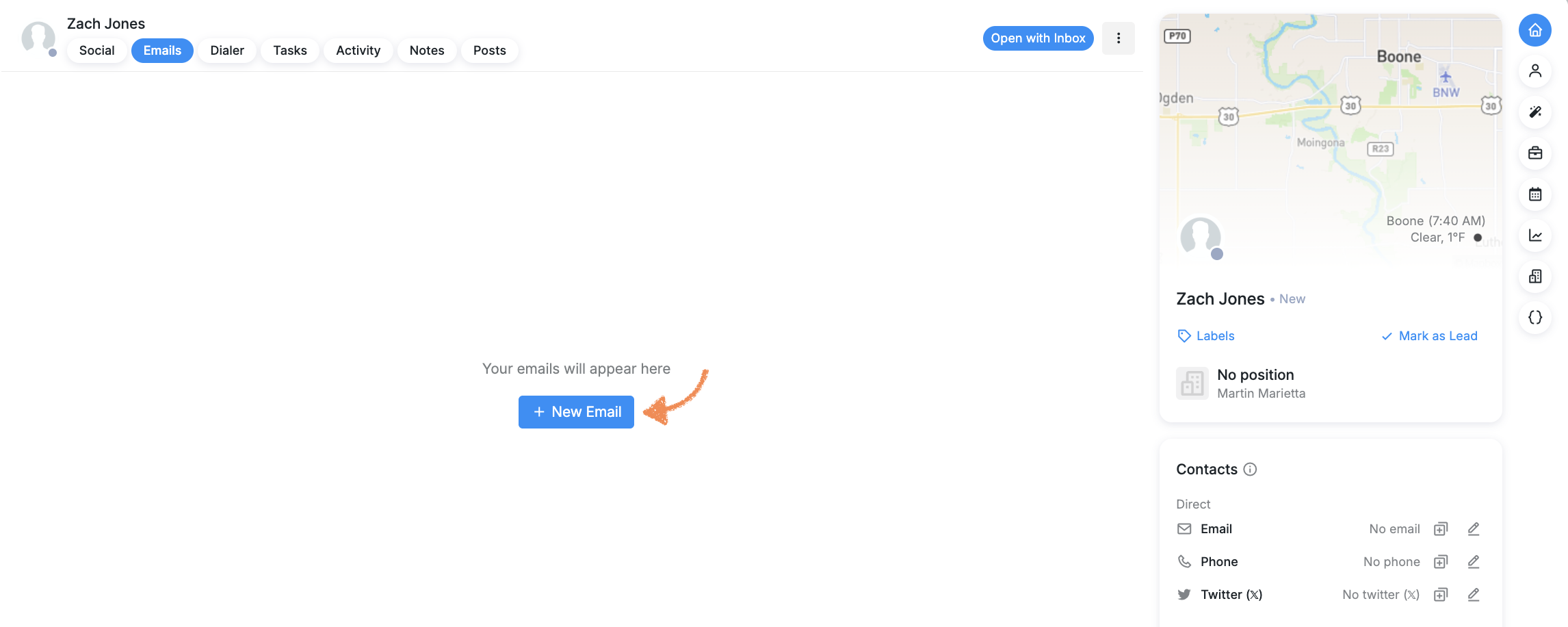
Select the mailbox you want to use.

The AI Email Service enables faster, more scalable, and cost-effective mass outreach while minimizing risk to inbox reputation. What once required manual domain purchases, mailbox setup, integrations, and ongoing maintenance can now be done in just a few clicks — significantly reducing effort and improving efficiency.
If you have any questions about the AI Email Service, please contact the Buzz Customer Support team.