Prospect Enrichment
Last updated: October 28, 2026
Prospect enrichment helps you find the best email address and phone number for your prospects using Buzz’s internal databases.
Buzz now uses waterfall enrichment. This means we check several trusted data sources one by one to find the best available contact details. This gives you a better chance of finding a valid email or phone number.
Waterfall enrichment is live in AskBuzz now and will be available in the Buzz platform from November 2 ✨
There are three ways to enrich your prospects:
Mass-enrich prospects from the Prospects tab
Enrich one prospect manually
Enrich prospects automatically in a campaign
Mass-Enrichment of Prospects
Go to the Prospects tab.
Select the prospects you want to enrich. You can also use the checkbox at the top of the page to select many prospects at once.
Click Enrich.
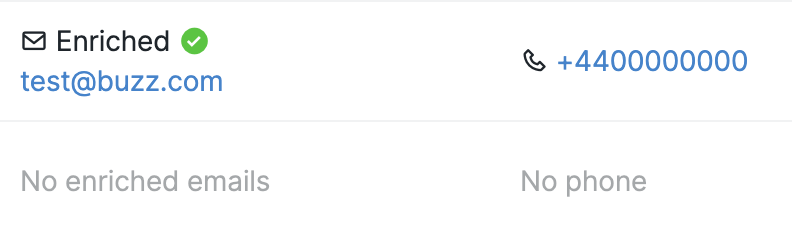
If enrichment is successful, Buzz will add new contact information to the prospect.
If Buzz cannot find additional contact details, you will see a notification.
Enriching an Individual Prospect
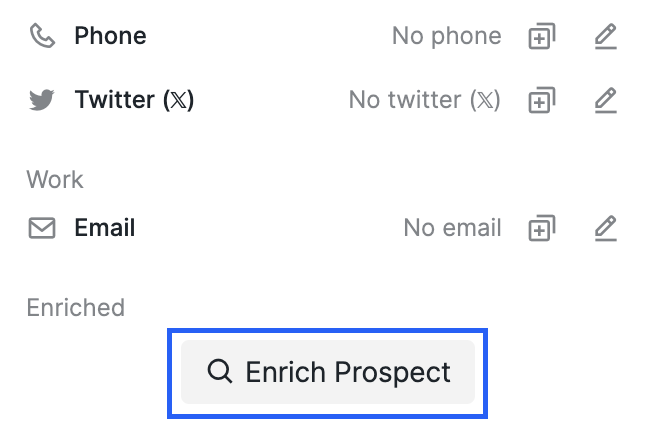
In the Prospect tab, open the Inbox of the prospect you want to enrich.
Select Enrich Prospect.
Note: To enrich a prospect, they must first be added to your workspace through one of these methods: CSV upload to a campaign, added as a web visitor, added via API, or included in a campaign. A Social URL alone cannot trigger enrichment without the prospect being added through one of these methods.
Enrichment via Campaign Steps
Create a new campaign.
Add Enrich Profile as one of the steps. This will automatically enrich prospects added to the campaign, so you do not need to enrich them manually.
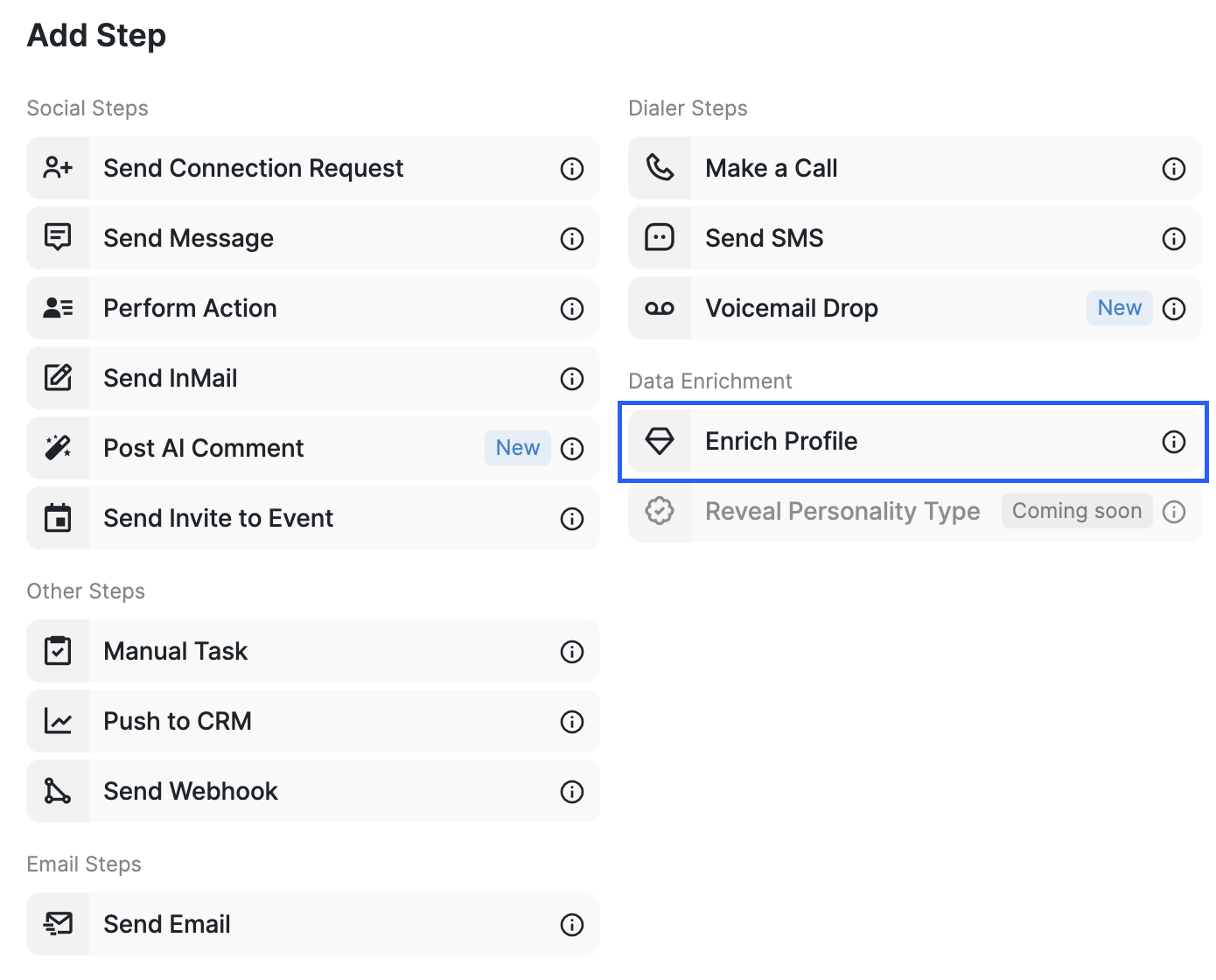
In the Enrich Profile step, you can choose what Buzz should look for:
Email only
Phone only
Email + phone
Use the email-only option if you only need verified email addresses and do not want to spend credits on phone numbers.
Enrichment pricing:
A verified email: 2 credits
A phone number: 10 credits
Email + phone: 12 credits
If nothing is found: 0 credits
After adding the Enrich Profile step, you can choose the enriched email or phone number as the preferred way to contact your prospects in the Send Email and Send SMS steps.

Enriched Emails vs Personal Emails
A personal email is an email a prospect lists on their Social Account. Most profiles do not show a personal email.
Even if a profile includes an email, Buzz cannot guarantee that it is valid because it comes directly from the prospect’s Social page.
Enriched emails are more reliable because Buzz checks its enrichment databases and looks for a valid result.
A Few More Things
Credits apply across the whole workspace. If you have several Social Accounts connected, your credits multiply. For example, if your plan includes 500 basic credits and you have three connected Social Accounts, you will have 1,500 credits in total.
Buzz Credits are deducted only when enrichment is successful. To review your charge history, go to the Billing section.
Your available credits renew at the start of each billing cycle.
If you do not have any Buzz Credits available, the Enrich Profile step in your campaign will be paused.
If Buzz finds multiple enriched or personal emails, you can prioritize them in the Send Email step. Buzz will select the first one that is considered valid.
If you have any questions, please contact our Customer Service support.