Integrating Zapier with Buzz
Last updated: February 6, 2026
Buzz offers a variety of powerful integrations, including Zapier — a tool that connects Buzz to other apps not natively integrated. Learn how Zapier can help optimize your workflow below.
In this guide, we will walk you through connecting Zapier to your Buzz account, creating your first Zap, and getting it running smoothly.
How to Connect Zapier to Buzz
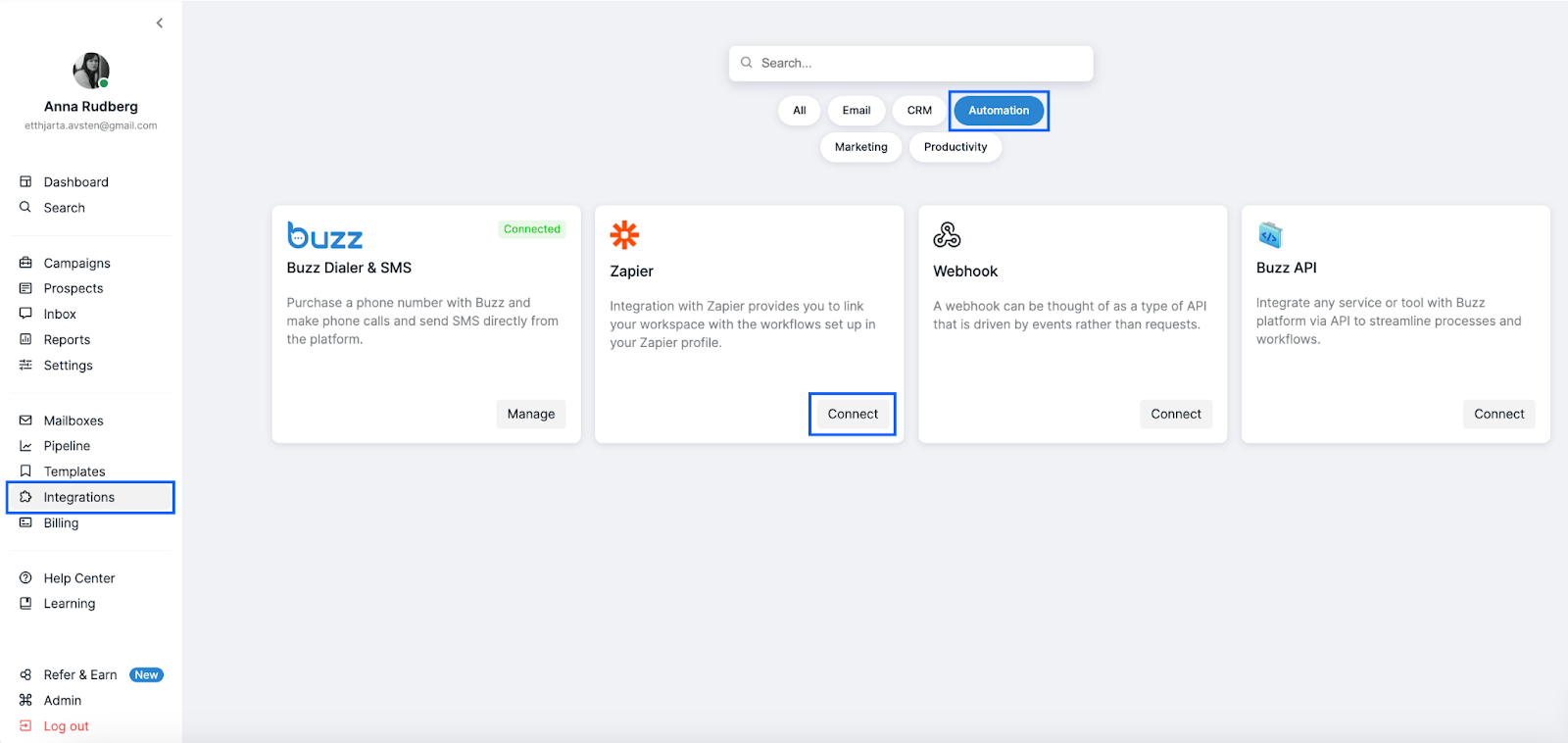
Navigate to the Integrations tab in Buzz, then select Automation and click Connect under the Zapier option.
Once connected, click Manage to receive your unique Zapier token.
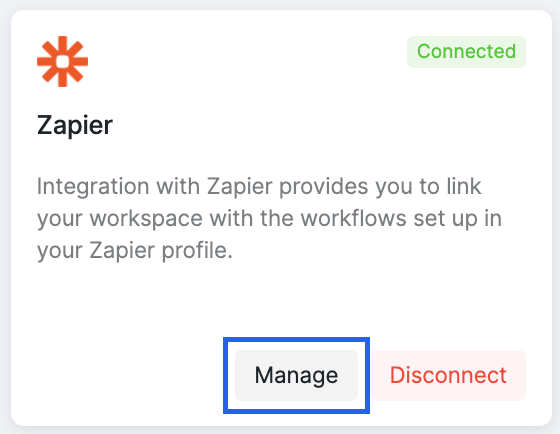
You will be presented with a unique Zapier token that you need to copy.

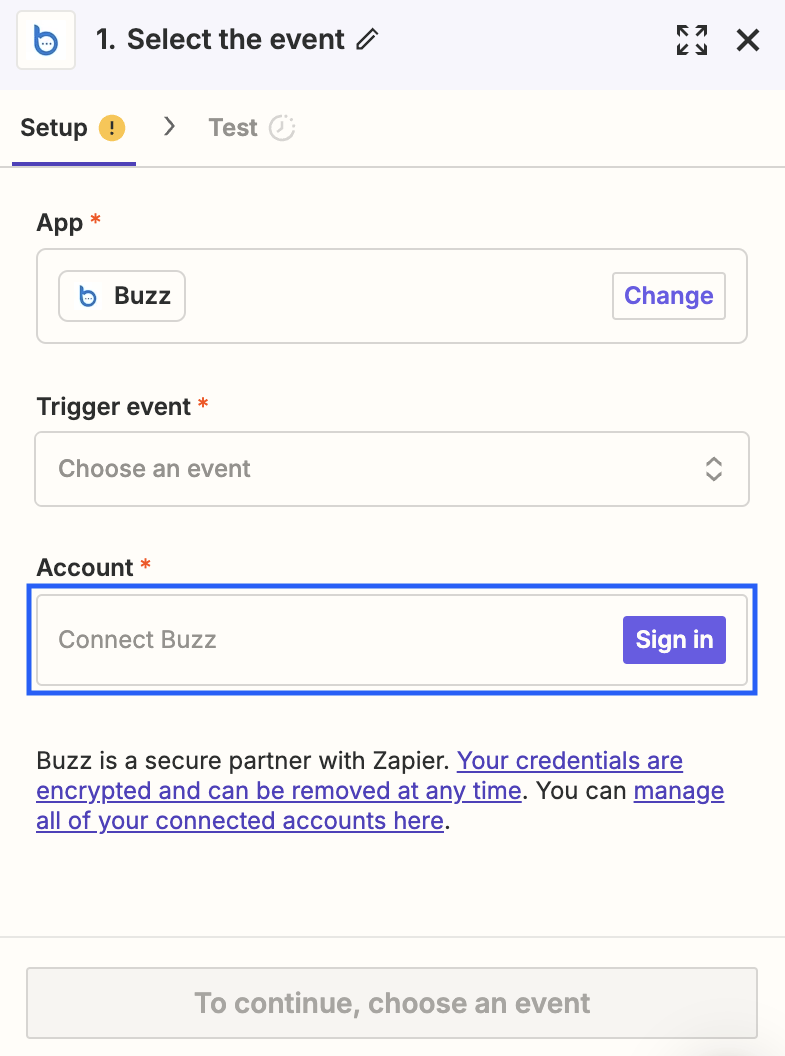
Copy the token, go to your Zapier account, and choose Buzz from the available apps.
Paste the token on the Select the Event page to complete the integration.
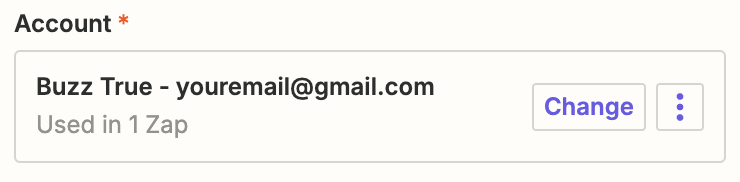
After a successful connection, you will see your Buzz account linked in Zapier.
Please note that the Zapier integration applies specifically to the Social account linked to your Buzz workspace.