Types of Campaigns: Simple
Last updated: September 23, 2026
Simple sequences are straightforward, linear campaigns that follow a predefined order. They're ideal when you want full control over each step and prefer a consistent outreach flow for all prospects.
When designing your campaign, you will construct it step-by-step, ensuring that each outreach action occurs only after the preceding step has been completed.
Please note: you can’t convert an existing campaign from one type to another after you've saved it.
Building a Simple Sequence
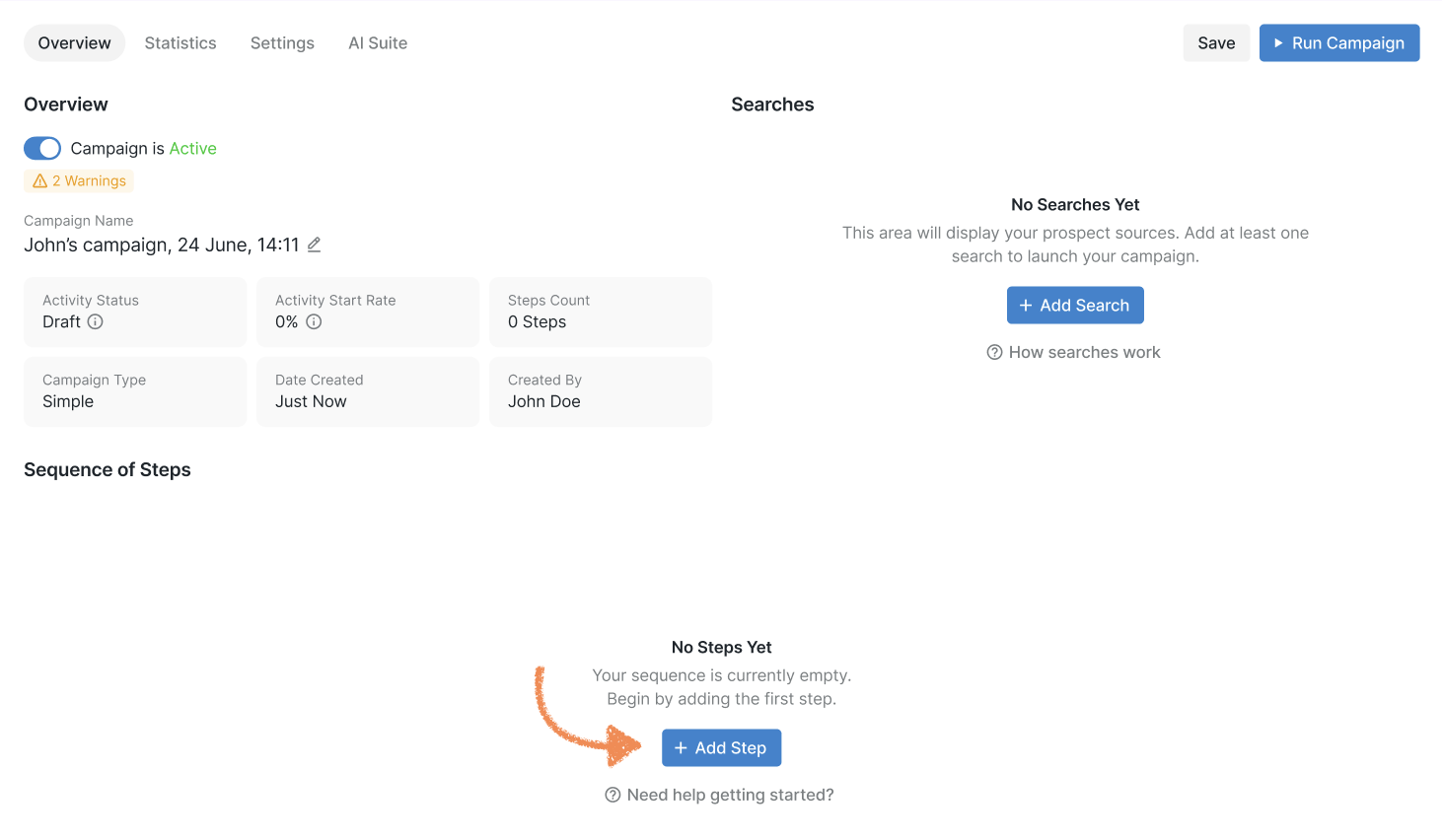
To begin building a simple campaign, select Add Step.
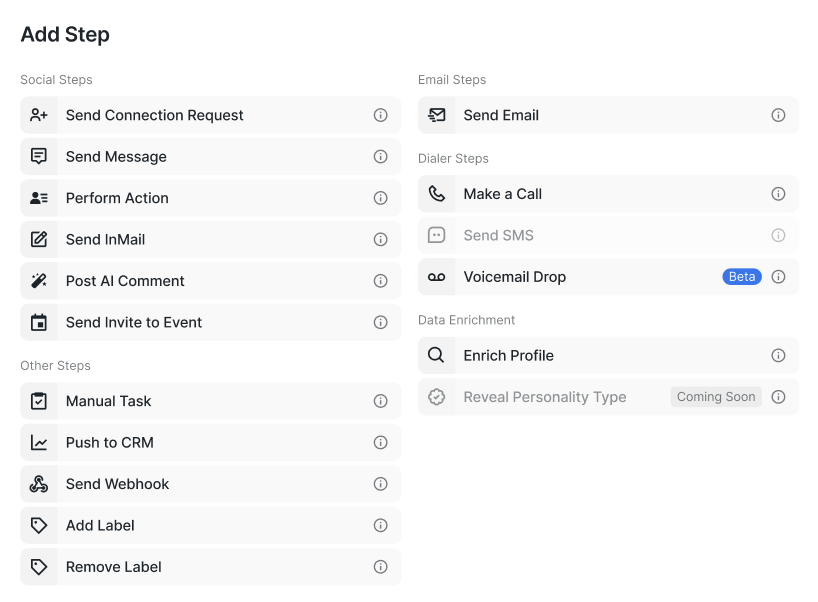
You can select from a range of steps tailored to fit your specific campaign strategy.
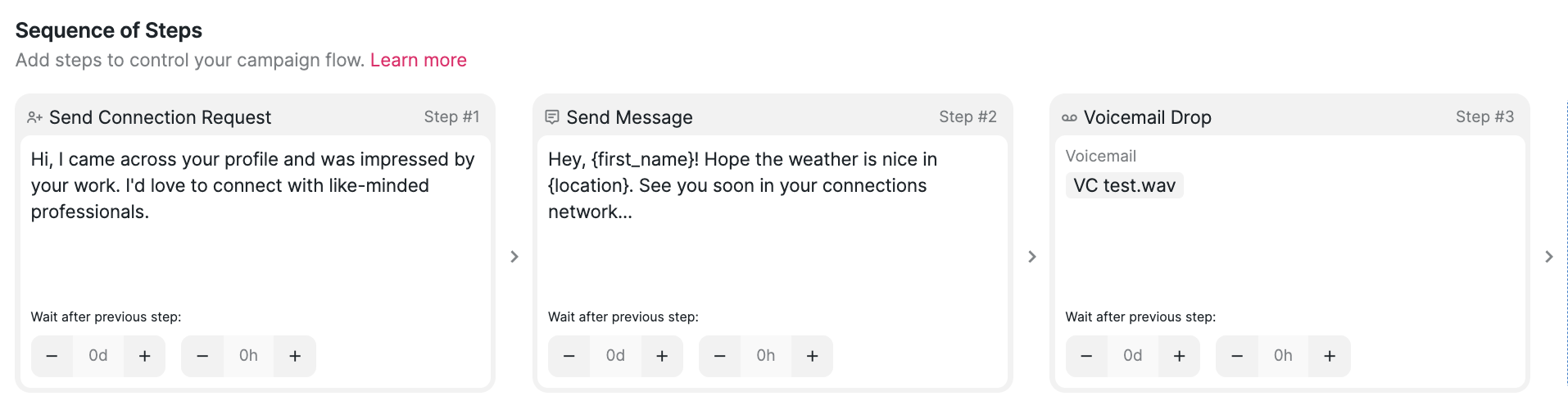
For instance, your Simple Sequence might look something like this:
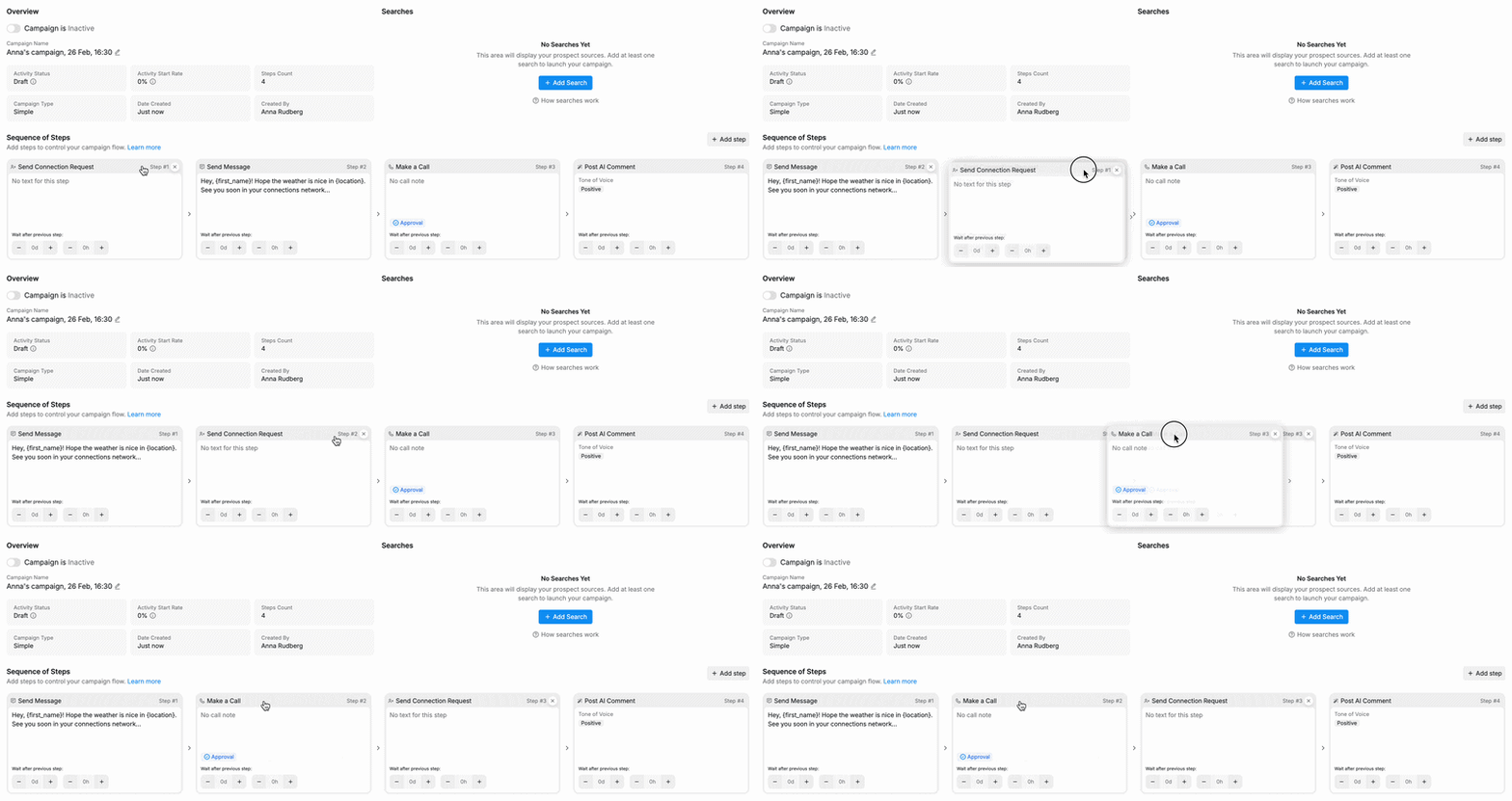
If you want to reorder the steps in your Simple campaign, you can do so by simply dragging and dropping the steps in the order you prefer:
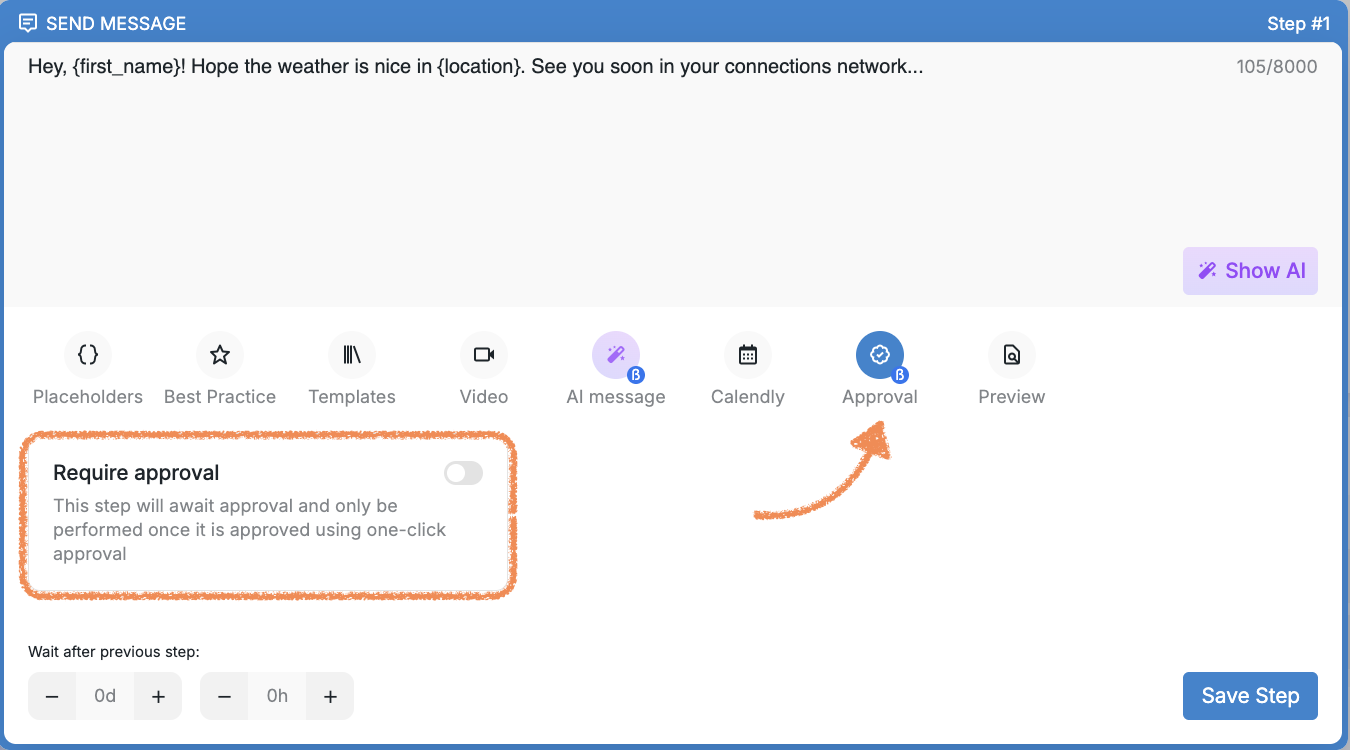
Note: You can enable or disable manual approval separately for each step in the sequence, unless workspace-level manual approval is enabled. When the workspace-level "Enable Manual Approval" setting is turned on, approval is required across all campaign steps and cannot be turned off at the individual step level.
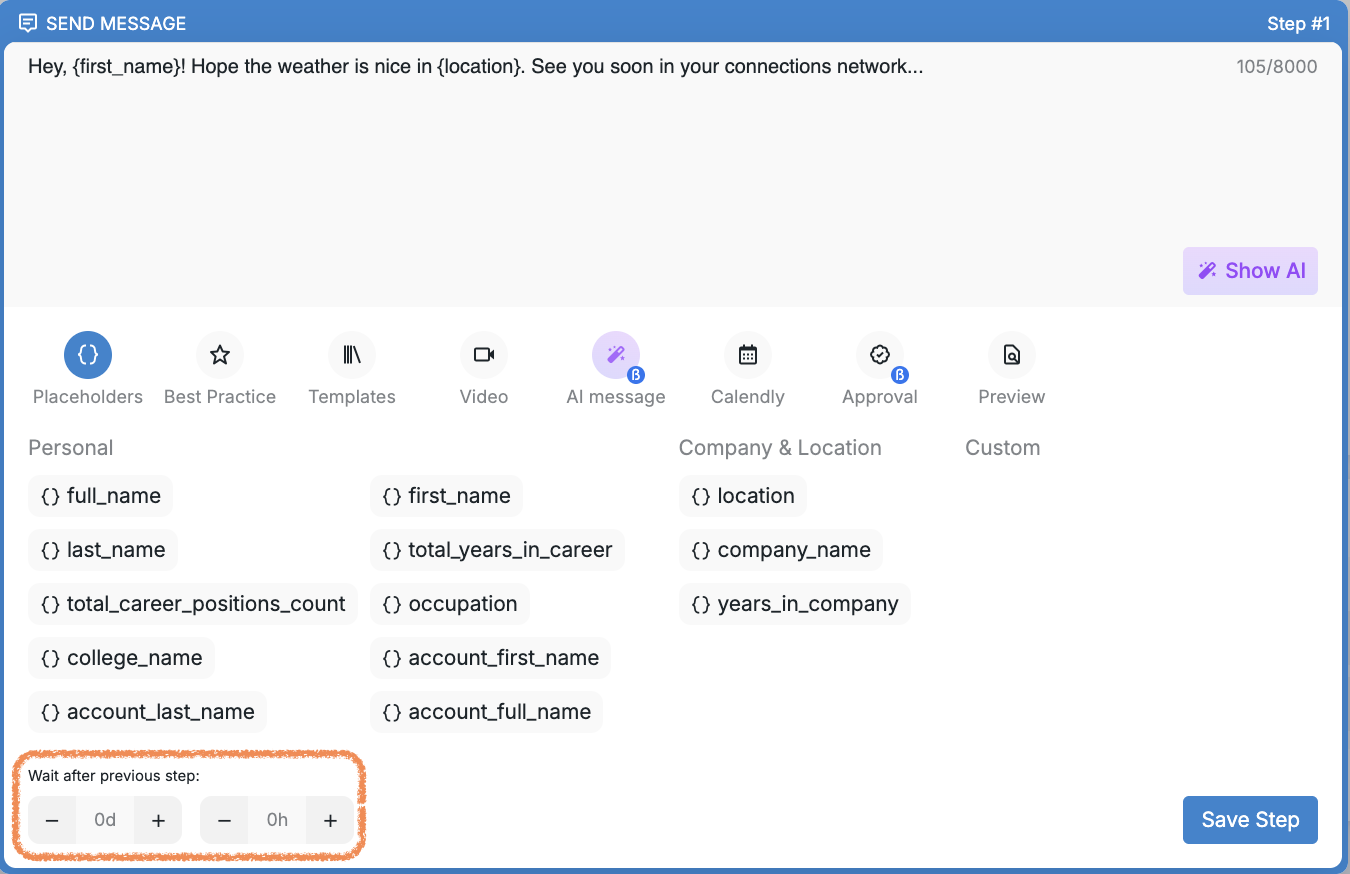
Additionally, you can set custom delays to control the timing of each step, allowing for precise scheduling of outreach actions.
NOTE: In Simple campaigns, you can resume a prospect’s campaign starting from any step you choose.
For example, say your Simple campaign has three steps. If a prospect has completed the first step but you want to skip the second and jump straight to the third, you can pause the prospect, then click Resume campaign and pick the step you want to move forward from.
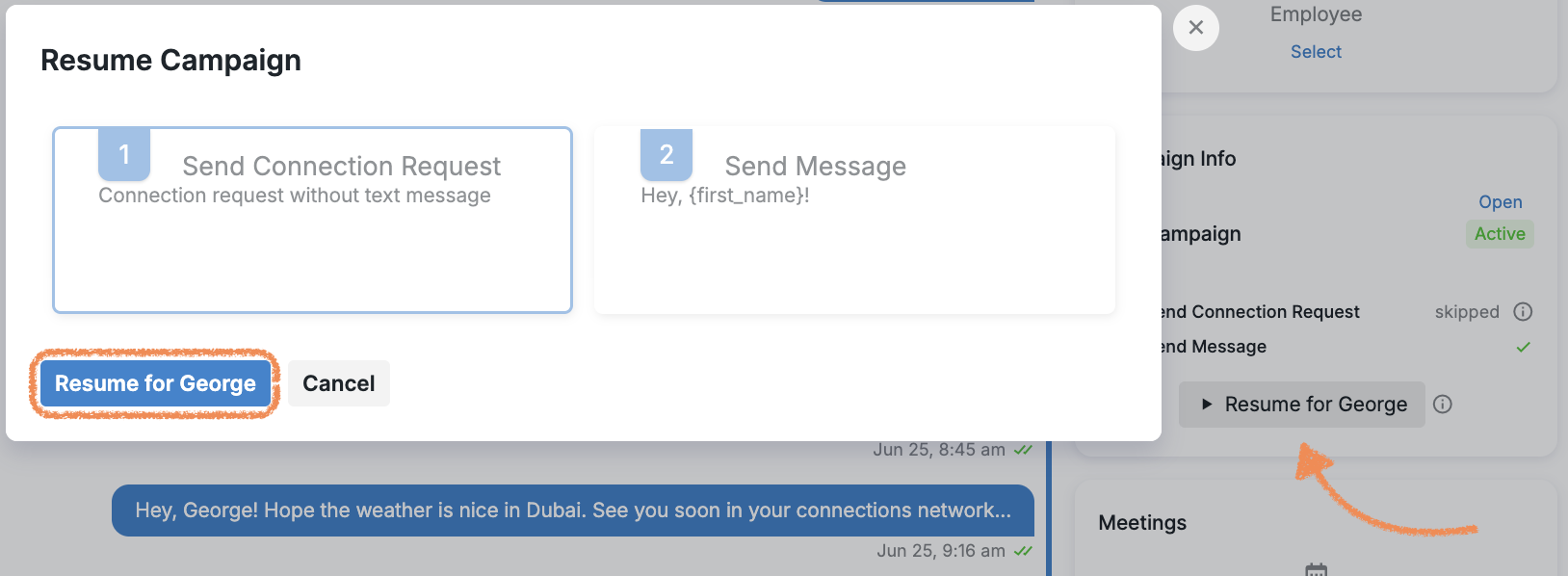
Keep in mind: you can only select steps that haven’t been completed yet — it’s not possible to go back to a step that’s already finished.